
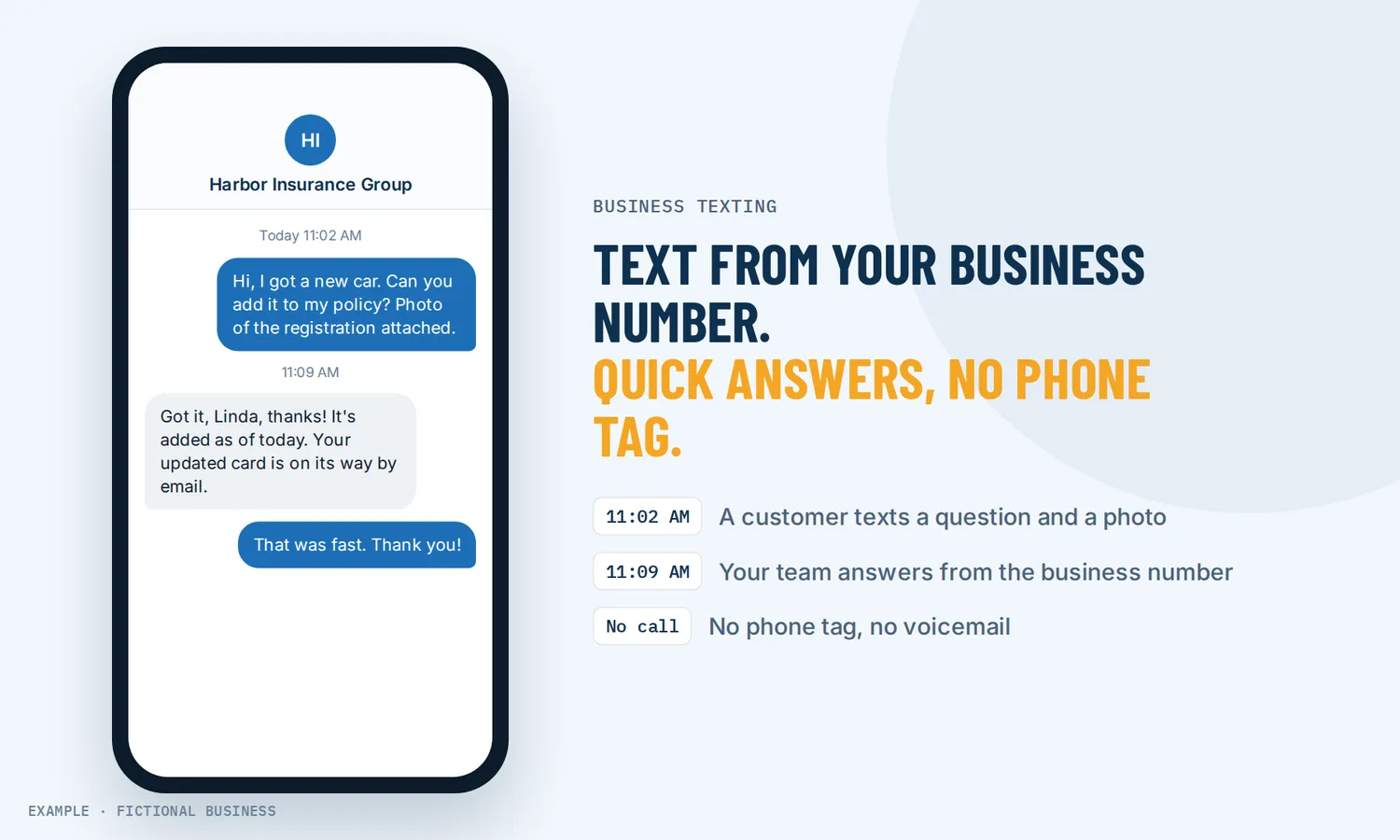
Business texting: quick answers by text, from your business number, without the phone tag.
Business texting means sending and receiving text messages with customers from your business phone number instead of your personal cell. Customers get a quick answer in a format they already use, and the threads stay with the business, where your team can see them.
Choose 3 setups for us to build
What business texting is and how it works
A Pew Research Center survey in 2025 found 98% of U.S. adults own a cellphone and 91% own a smartphone. A text reaches customers where they already are, and they can answer when it suits them.
Here is how business texting works on the Revenue Growth HQ platform:
- You get a business number. Pick a local or toll-free number by area code. Or add texting to the landline you already have, and calls stay with your current phone company.
- You register with the carriers. US carriers require business texting from a local number to be registered (called A2P 10DLC registration). Registration has a one-time fee and a monthly fee, covered below.
- Customers text you, and you text back. Texts land in the same inbox as your email and social messages, threaded by customer. Reply from your computer or the phone app.
- You send pictures and files when they help. A photo of the finished job, a quote, a map. Picture messages cost more than plain texts.
- Repeat work runs on its own. Confirmations, reminders and follow-ups can go out by text from a workflow, with the customer's name and appointment details filled in.
What business texting changes for a small business
Fewer calls to schedule and confirm
A lot of phone time goes to small things: "Can you do Thursday?" "Are you still coming at 2?" "What's the gate code?" A text handles each of those in a line, and neither side has to stop what they are doing to pick up. That is the main payoff: less phone tag, more time on paid work.
Your number, not your personal cell
When you text customers from your own cell, the conversation leaves with you. Nobody else can pick it up when you are on a job, and your personal number ends up on every customer's phone. With a business number, the threads live in one shared inbox. Anyone on your team can see the history and answer, and a private note on the thread lets you hand it over without the customer seeing.
A record of what was said
Each text saves to the customer's contact record next to their emails, calls and bookings. When a customer says "you told me Friday," you can check.
Answers on the go
The phone app lets you read and reply to texts, send saved replies and attach photos from wherever you are. Inbound texts do not forward to your personal cell by themselves; they land in the inbox and the app. If you want a text alert on your own phone each time a customer writes, a short workflow sends one (each alert is a billed text).
How business texting plays out
A home service business. Let's suppose you run a cleaning business with four cleaners. A customer texts your business number at 7 a.m. to ask if the crew can come an hour later. Your office manager sees it in the inbox, checks the schedule, and texts back a new time. Nobody calls anyone, and the thread is on the customer's record if the question comes up next month.
A consultant or agency. Let's suppose you sell a monthly service to other businesses. A client texts a quick question between meetings. You answer with a saved reply that explains your reporting schedule, and attach a screenshot of last month's numbers. A new prospect who texts in gets an automatic first reply from a workflow, and you pick up the conversation by hand when you are free.
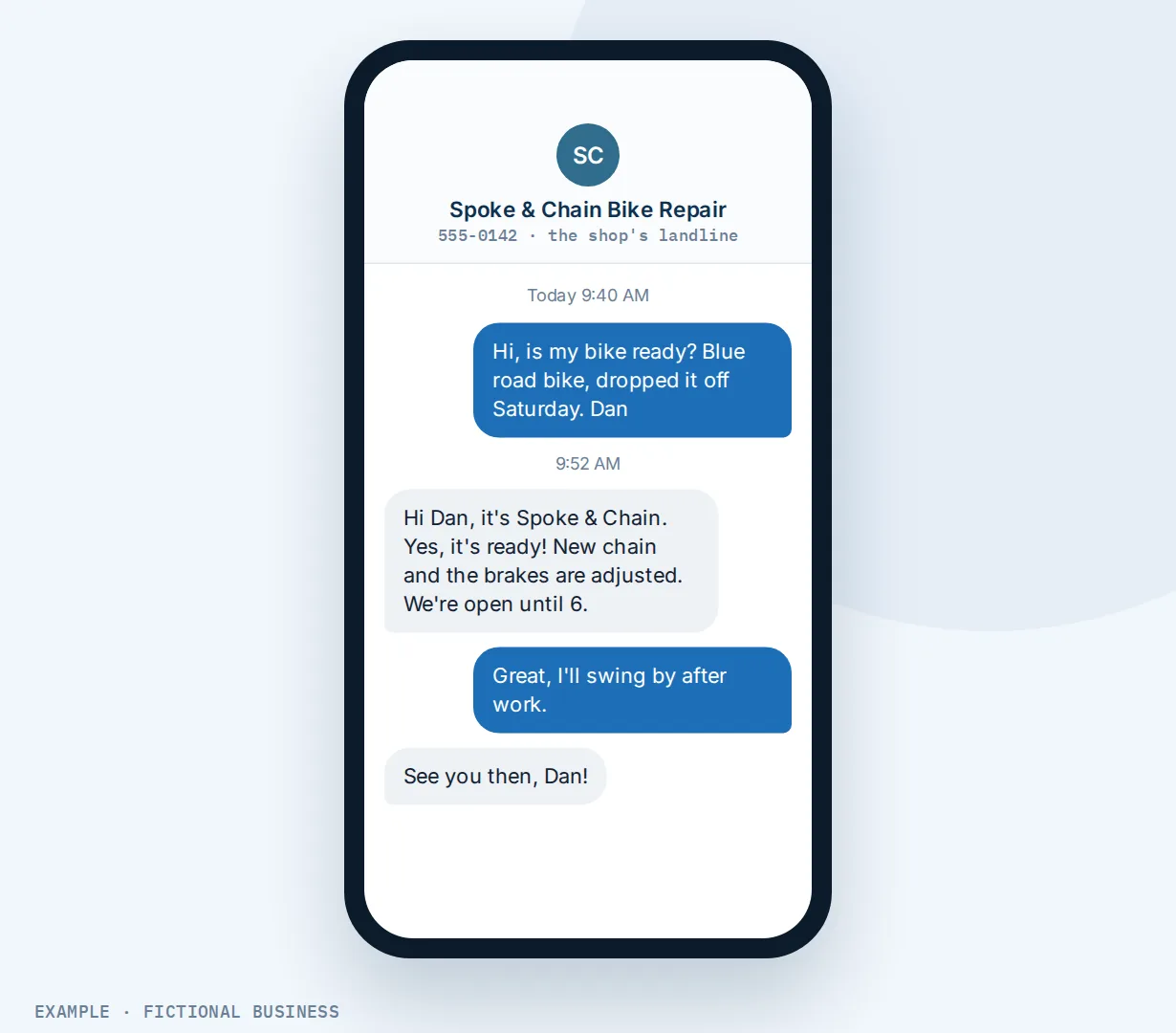
A shop with a landline. Let's suppose you run a repair shop whose landline is printed on years of invoices, signs and your Google listing. Customers keep trying to text it. With texting added to that number, those texts start arriving in your inbox, your calls stay with your phone company, and you do not have to print a new number anywhere.
What to look for in business texting
Questions to ask before you choose a texting tool:
- Can you text from a number customers already know? Either a new local number or texting added to your existing landline.
- Is two-way texting shared? One inbox your team can work from, with private notes, beats a single phone in someone's pocket.
- Does it keep texts with the customer's record, next to email, calls and bookings?
- Is there a phone app, so you can answer away from the desk and attach photos?
- Does it help with carrier registration? Registration is required for local numbers. A tool that walks you through it saves back-and-forth with the carriers.
- Does it handle opt-outs? A customer who replies STOP should be blocked from further texts automatically.
- Can texts go out from automation, such as confirmations, reminders and follow-ups, with the customer's details filled in?
- How is it billed? Look for the per-text rate, whether incoming texts count, picture message rates, the number's monthly fee and the registration fees. Plans that bundle "credits" can hide what a text actually costs.
- Does texting connect to the rest of your work, so a payment link or a review request can go out in the same thread?
Business texting works better with automation and AI
Missed call text back. When you can't pick up, the caller gets an automatic text from your business number, so the conversation keeps going in text instead of ending at voicemail. It runs from a workflow; you only step in once they reply.
Appointment reminder texts. Each booking can send a confirmation, a reminder before the visit and a follow-up after, by text or email, at times you choose. Those messages arrive in the same thread as any reply, so a customer who answers "running late" reaches you.
Text to pay. Send a secure payment link inside the text conversation. The customer pays from their phone, and you skip reading card numbers over the phone or chasing a check.
Review requests by text. After a job, send a review link by text or email, by hand or automatically. A text is easy to tap right after a good visit; see how to get more Google reviews.
AI that answers texts. A workflow can hand incoming texts to an AI assistant that replies by text. It answers from what you trained it on and the conversation so far, and you take over when a person is needed. AI use is billed by use, like texts.
Texting to a whole list, and other channels. Sending one message to many customers at once is a different job with its own consent rules; see SMS marketing for small business. If your customers prefer WhatsApp, WhatsApp for business runs in the same inbox, as an extra-cost add-on. All of it sits in one unified inbox for small business with your email and social messages.
Business texting options: from free to done-for-you
Your personal cell phone. Free, and it works for a one-person business. The costs show up later: customers have your personal number, you can't hand a thread to anyone, and there is no record outside your phone.
A texting-only app. These add texting to a business number, often with a team inbox and templates, for a monthly plan that may include a bundle of message credits. The catch is one more app: your bookings, email, payments and customer records live somewhere else.
Your phone company's texting add-on. Some business phone providers can text-enable your existing line. It keeps the number, but the texts usually stay apart from your customer records and automation.
All-in-one platforms. Texting sits in the same system as your contacts, inbox, calendar, payments and workflows. A booking can send its own confirmation, a missed call can start a text, and each thread lands on the customer's record. The tradeoffs: more to set up, and more features than a business that only wants to text may need.
Hiring someone. A receptionist or virtual assistant can answer texts with a human touch. That costs wages or fees, and replies stop when their shift does. You can also pay someone to set up any of the tools above.
Here's our solution
Revenue Growth HQ is an all-in-one platform with business texting built into the inbox, alongside online booking, payments, reviews, automation and AI assistants. The plan is $97 a month (or $970 a year), texting comes with it, and it includes $30 of usage credit each month for your phone number, calls, texts, email and most AI features. Use beyond $30 in a month is billed by use, at the same rates as buying the software directly. US texting also needs carrier registration, with a one-time fee and a monthly fee. You see the rates before setup.
Setup is a one-time $197. You choose 3 setups from our list for us to build in your account, such as missed-call text back, review requests or appointment reminders. When a choice texts, we set up your business phone number and its texting registration, and with any choice we build your knowledge base from your website. See the setups and choose your 3.
Limits to know
- No texting to US mobiles until registration is approved. Buying a number is quick; registration with the fast-track option takes up to 3 business days, and longer if it is rejected and resubmitted. Unregistered texts from local numbers are blocked by the carriers, and blocked texts are still charged.
- Incoming texts cost money too. They are billed at the same rate as the ones you send.
- Automated texts can't attach files. A text sent from a workflow carries a link instead; you can attach pictures when you text by hand.
- Adding texting to a landline has limits. US and Canadian landline and toll-free numbers only, not mobile numbers, and not a number already texting through another provider. Approval typically takes 3 to 10 business days.
Business texting features included
- Local or toll-free business numbers
- Texting added to an existing US or Canadian landline (calls stay with your carrier)
- Two-way texting in one shared inbox with email and social messages
- Picture messages and file attachments from the inbox
- Private team notes and @mentions on a thread
- Saved replies with the customer's details filled in, plus a segment and cost estimate before sending
- Texting from the phone app
- Automated texts from workflows: confirmations, reminders, follow-ups
- Optional text alerts to your own phone when a customer writes
- Automatic opt-out when a customer replies STOP
- Texts saved to the customer's contact record
- AI replies to incoming texts (billed by use)
Frequently asked questions
What is business texting?
Business texting is two-way text messaging between a business and its customers from a business phone number, not a personal cell. Customers text questions, you answer from a shared inbox or a phone app, and automated texts such as confirmations and reminders go out from the same number. Each thread is saved with the customer's record.
Can I text from my business landline?
Often, yes. Texting can be added to a US or Canadian landline or toll-free number you already own, while calls stay with your current phone company. The number's owner verifies ownership and signs an authorization, and approval typically takes 3 to 10 business days. Mobile numbers and numbers already texting through another provider can't be used this way.
What is A2P 10DLC registration, and do I need it?
A2P 10DLC is the US carriers' registration for businesses that text from local 10-digit numbers. You register your business and how you will use texting. Yes, you need it: since 2023, unregistered business texts from local numbers to US phones are blocked. Registration has a one-time fee and a monthly fee, and you see both before setup.
How much does business texting cost?
On Revenue Growth HQ, texting comes with the $97-a-month plan, which includes $30 of usage credit each month. Texts, picture messages and the number beyond that are billed by use, and longer texts count as more than one message. US texting also needs carrier registration with a one-time fee and a monthly fee. You see the rates before setup.
Can my whole team answer customer texts?
Yes. Texts arrive in a shared inbox, so anyone with access can see the history and reply from the business number. Private notes on a thread let you pass a conversation to a teammate without the customer seeing, and the phone app lets people answer away from the desk.
What happens when a customer replies STOP?
Their contact record is marked so no more texts go to them, automatically. A customer who opted out this way can start receiving texts again by texting START to your number. This protects you from texting people who asked you to stop.
Is business texting the same as SMS marketing?
No. Business texting is one-to-one conversation: questions, confirmations, quick updates. Sending one promotional message to a list at once is a separate use with stricter consent rules, covered on SMS marketing for small business.
Give your business texting 3 jobs to do.
Texting comes with the plan. For a one-time $197 setup, we build the 3 jobs you want it doing, chosen from the list below, such as missed-call text back, review requests or appointment reminders. We also set up your business number, its texting registration and your knowledge base. The plan is then $97 a month.
Sources
- Pew Research Center. "Mobile Fact Sheet." Survey February to June 2025. https://www.pewresearch.org/internet/fact-sheet/mobile/ (checked 2026-10-18)
- Twilio. "U.S. A2P 10DLC: full blocking of traffic sent from unregistered numbers." Changelog, September 1, 2023. https://www.twilio.com/en-us/changelog/-u-s--a2p-10dlc--full-blocking-of-traffic-sent-from-unregistered (checked 2026-10-18)