
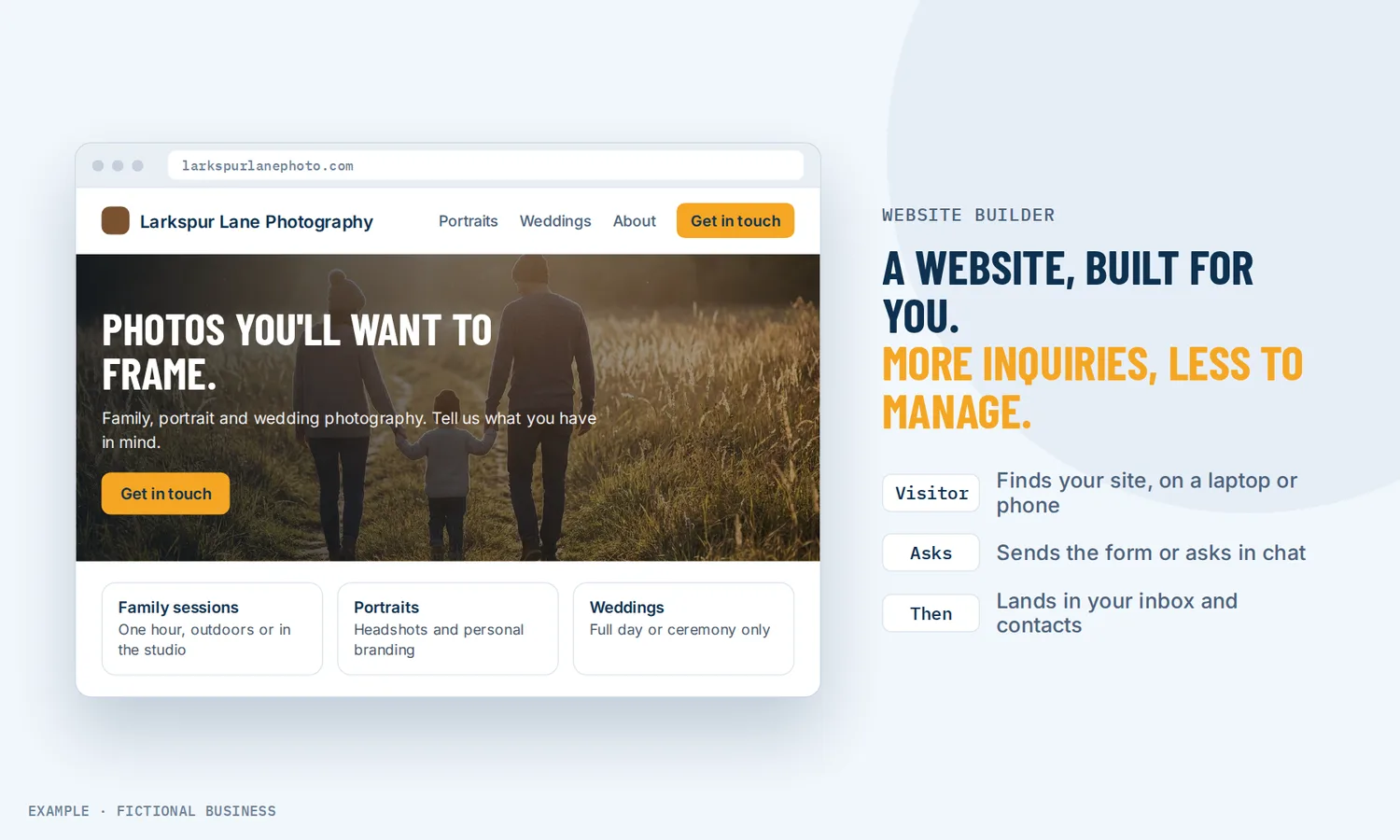
A small business website, built for you in our website builder.
We build your small business website for you, from your answers to one survey, with a contact form, website chat and an AI phone receptionist. It runs on the Revenue Growth HQ website builder, so once it is live you can change text, prices and photos yourself, without a developer or a separate web host. The site sits next to your contacts, calendar and inbox, so a visitor who fills in a form or books a time lands straight in your follow-up.
How it works: we build your small business website
You don't have to learn a website builder to get a site. With our Website package, we do the building:
- You answer one survey. About your business, your services and how customers reach you.
- We build the site. Its pages are written from your answers and checked on desktop and phone.
- We add the working parts. A contact form that sends each inquiry to your inbox and phone, website chat that answers visitors' questions and takes their details, and an AI phone receptionist on your business line. Form answers save to your customer records, and chats land in your inbox.
- The site goes live. It is hosted on the platform, and a security certificate (the "https" padlock) is issued once your domain is connected.
- You change it when you want to. The builder stays yours. Edit a price, an opening hour or a photo in minutes, and roll back a change with version history.
If you would rather build it yourself
The builder is included in the plan either way. Start from a template or a blank site, drag sections, text, images and buttons into place, drop in a form, booking calendar, reviews display or chat box with no embed code, check the phone view, connect your domain and publish. A shared header and footer updates every page that uses it.
What a website builder changes for a small business
One less system to look after
Most small businesses now have a site. A 2025 Clutch survey of 406 US small business owners found 83% have a website, up from 64% in 2018. The same survey found 45% had an agency build it, 37% built it in-house and in 9% of cases the owner built it. Whoever builds it, the site then needs hosting, security, updates and someone who knows where the login is. When the site lives in the same platform as your contacts and calendar, there is one login and one plan to pay for instead of a web host, a builder and a pile of plugins.
A site you can change yourself
Websites go stale fast when every edit needs a developer. In the Clutch survey, 61% of small businesses said they update their site at least once a week. We build your site in a drag-and-drop editor, so after handover changing an opening hour, a price list or a photo takes minutes, and version history lets you roll back a change you regret.
Fewer reasons for a customer to walk away
People check. In a 2019 BrightLocal survey of 500 US consumers, 22% said they look at a local business's website every time they decide on one, and 76% at least half of the time. The top reasons a site made them less likely to use a business were out-of-date contact information, poorly written content and typos, out-of-date pricing and missing prices. Those are content problems, and they are the easiest kind to fix when you can edit the page yourself.
Visitors turn into contacts you can follow up
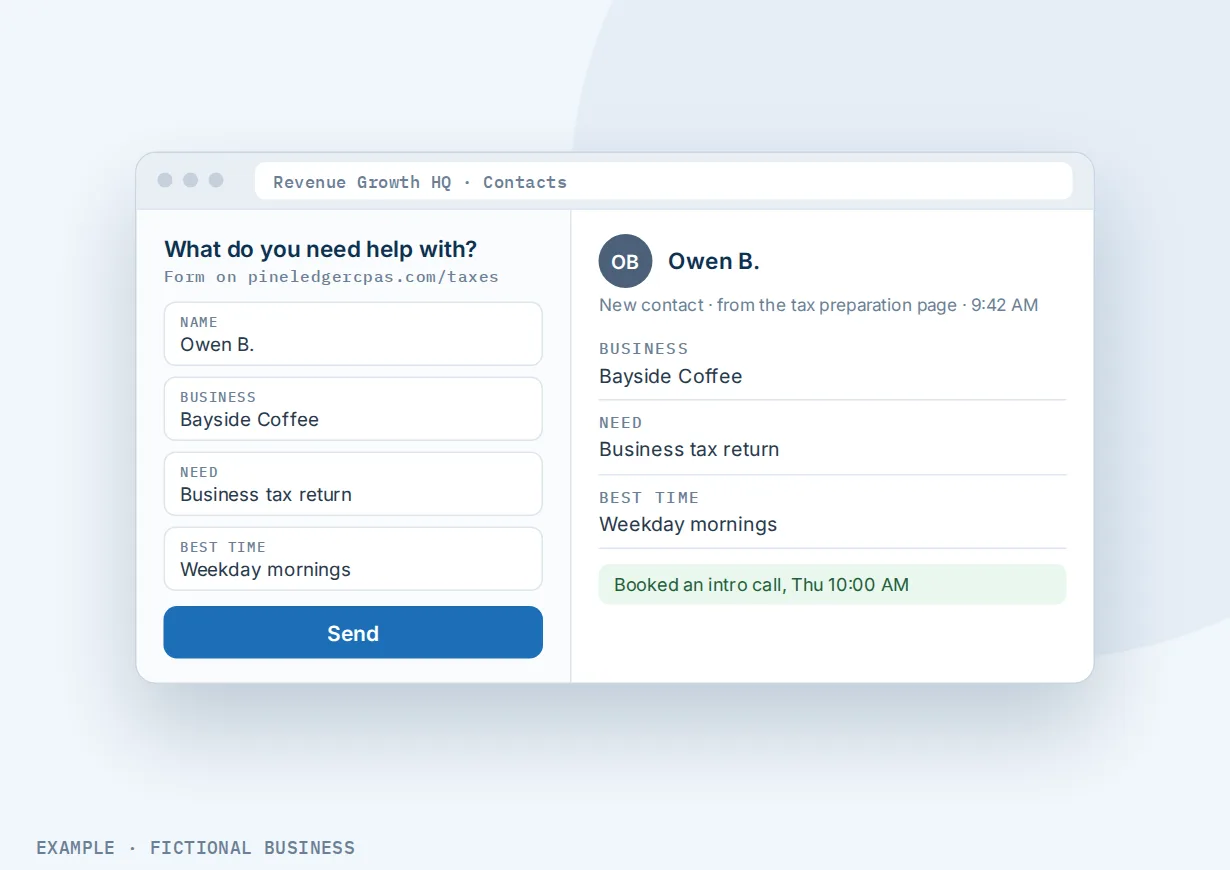
A form on a builder site is often a dead end: an email lands in someone's inbox and waits. Here, each form submission creates a contact record, a booking lands on your calendar, and a chat goes to your inbox. The site's own analytics count page views, form fills, bookings and sales, so you can see which pages earn their place.
How a small business website plays out
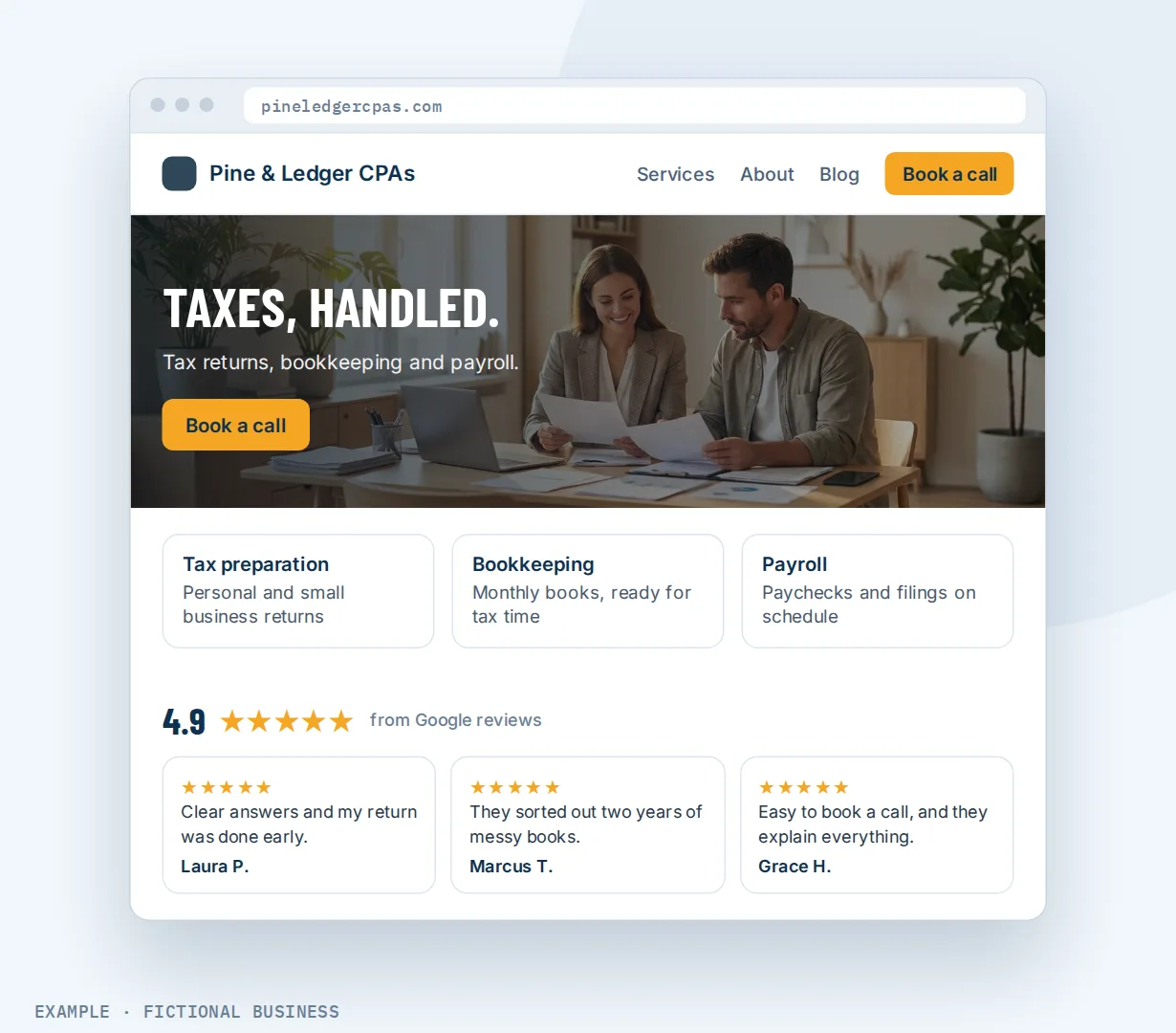
A consultant or professional service. Let's suppose you run a small accounting practice. Your site has a home page, a page for each service, an about page and a blog. Each service page ends with a short form asking what the visitor needs, and the answers save to the contact record. A booking calendar on the contact page lets a prospect pick a call time. When tax season changes your hours, you edit one shared footer and every page shows the new hours.
A contractor or home service business. Let's suppose you run a roofing company. Most visitors arrive on a phone, so every page is checked in the mobile view, with a "Call" button at the top. Your Google reviews show on the home page and refresh as new ones come in. A chat box lets a visitor ask "do you cover my town?" without calling, and the message lands in the same inbox as your texts. For a spring promotion, you add one single-offer page instead of reworking the main site.
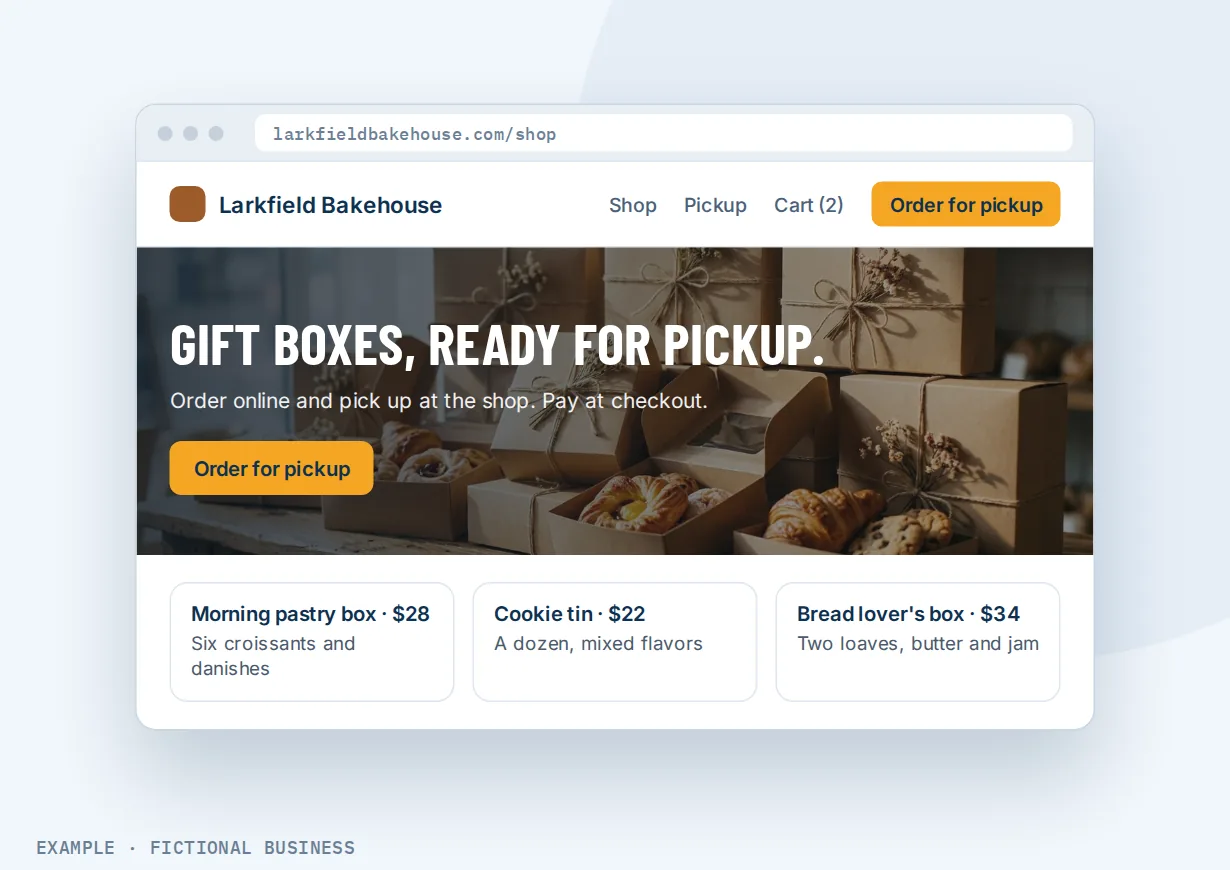
A shop with products. Let's suppose you run a small bakery that sells gift boxes for local pickup. Later, you add a store to the site yourself: products, a cart and a checkout that collects the customer's details and payment. You connect your payment provider once, during setup.
What to look for in a small business website builder
Questions to ask before you commit:
- Who builds it? You, a freelancer, or the company behind the builder. If someone builds it for you, check that you can still edit it yourself afterward.
- Can you edit it without a developer? Drag-and-drop editing, a mobile preview, and the option to show or hide an element on phones.
- Is hosting and the security certificate included? Or is that a separate service to buy and renew?
- Can you set page titles, descriptions and structured data (schema markup) for search, and generate a sitemap for Google?
- Do forms save to customer records, or only send an email?
- Can people book from the site? A calendar on the page should sync with the calendar you already use. See online booking from your website.
- Can you add a chat box, reviews and a blog without extra plugins? A blog on your own site and a display of your best reviews should drop into a page.
- Can you sell from it? If you have products, a store with cart and checkout on the same site saves a second platform.
- Is there version history, so a bad edit can be undone after you close the editor?
- Does it show you results? Page views, form fills and bookings, by page.
- What happens after the visitor acts? A tool that only builds pages leaves follow-up to you. One that connects to your contacts and messages can start it for you.
A simple builder that covers the first three suits a business that needs an online brochure. The further down the list you go, the more it pays to have the site in the same system as your customers.
A small business website works better with AI, booking, chat and forms
A site gets visitors. What the site does with them decides whether they become customers.
Website plus AI. You can build a page by describing it to AI: type what the business does and who it serves, and the AI drafts the layout and copy, with forms and a booking calendar you then connect. It is a fast way to get a first version on screen. AI use is billed by use.
Website plus online booking. A booking calendar placed on any page lets visitors pick an open time and book, and the booking lands on your calendar and the customer's record. See letting customers book from your site.
Website plus a chat box. A chat box for website visitors lets someone ask a question without calling. You switch it on in the site's settings, and each chat arrives in the same inbox as your texts and email.
Website plus forms and surveys. Forms that save answers to your contacts turn a "Contact us" page into a lead. Each submission creates a contact record, and spam checks such as CAPTCHA help keep out automated entries.
Your options: from free to done-for-you
The right choice depends on how much the site needs to do, and how much of the building and upkeep you want to do yourself.
Free and low-cost DIY builders. Most well-known builders offer templates, hosting and a drag-and-drop editor, often with a free or entry plan. They suit a brochure site. Booking, forms that feed a customer list, chat and email marketing often come from add-ons or other apps.
Self-hosted software. A self-hosted site gives you full control and a large plugin library. In return, you or someone you pay looks after hosting, updates, security and plugin conflicts.
A custom build by an agency or freelancer. You get a site designed for your business, and someone else does the work. It often costs the most up front, and small changes can mean a ticket and a wait, which matters if your site needs weekly edits.
All-in-one platforms. Here, the website sits in the same system as your contacts, calendar, inbox, payments and automation. A form fill or a booking can start your follow-up without connecting apps together. The tradeoffs: more to learn at the start, and more features than a brochure site needs. For a page built around one offer or ad, single-offer pages for ads and promotions are the better tool than a full site.
Here's our solution
Our Website package is built for you, for a one-time $197 setup. We build a website for your business from your answers to one survey, with a contact form that sends each inquiry to your inbox and phone, website chat that answers visitors' questions and takes their details, and an AI phone receptionist that answers your business line. We build your knowledge base from your website and set up your business phone number for the receptionist. See what the website package includes.
After that, the site runs on Revenue Growth HQ, an all-in-one platform with the website builder, booking, forms, chat, reviews, a store, your inbox, payments and automation. You can edit the site yourself whenever you like. The site you are reading, revenuegrowth.systems, is built and hosted on the same platform. The plan is $97 a month (or $970 a year) and includes $30 of usage credit each month for your phone number, calls, texts, email and most AI features. Use beyond $30 in a month is billed at the same rates as buying the software directly.
Limits to know
- No A/B testing on website pages. To test two versions of a page, use the single-offer page tools instead.
- Each page is published on its own. Saving does not change the live site; publish every page you want visitors to see.
- Domain changes take time. New domain settings can take up to 24 hours to take effect, and the security certificate follows once they do.
- The sitemap is not automatic. You generate it from a short wizard, and should regenerate it when you add important pages.
Small business website builder features included
- Multi-page websites from a template or blank
- Drag-and-drop editor with desktop and mobile views
- Menus, shared headers and footers that update everywhere
- Hosting and an automatic security certificate on your domain
- Page titles, descriptions, structured data and XML sitemaps
- A text file that tells AI search tools about your site (llms.txt)
- Forms, booking calendars, chat box and reviews display
- Blog and online store on the same site
- Popups, including on exit
- Tracking code and custom code
- Auto-save and version history
- Page views, form fills, bookings and sales by page
- AI help to draft and edit pages
Frequently asked questions
What is the best website builder for a small business?
The one that fits what your site needs to do after someone lands on it. For a brochure site, most mainstream builders will do. If you want the site to take bookings, capture leads into a customer list and start follow-up, a builder inside an all-in-one platform saves you connecting several apps. Check the list above against your own needs.
How do I build a website for my small business?
Have it built for you, or do it yourself. To do it yourself: pick a template or start blank, add your core pages (home, services, about, contact), write plain copy that says what you do and where, add a form or booking calendar, check the phone view, connect your domain and publish. Keep contact details and prices current, since out-of-date details are among the top reasons consumers say a site makes them less likely to use a business.
Do I need a developer?
No. Our Website package builds it for you, for a one-time $197 setup. After that, the editor is drag-and-drop, so small changes don't need anyone. A developer helps only if you want custom features.
What do I need to do to get my site built?
Answer one survey about your business. We build the site, the contact form, website chat and the AI phone receptionist from your answers. Your part after that is reading the site over and telling us what to change, or changing it yourself.
Is hosting included?
Yes. Your site is hosted on the platform as part of the $97-a-month plan, and the security certificate is issued automatically once your domain is connected. There is no separate web host to pay or update.
Will my site work on phones?
Yes. The editor has a mobile view where you adjust the layout, and you can show an element only on desktop or only on phones. We check each page in mobile view when we build your site. If you edit it later, check the mobile view before you publish, since many visitors arrive on a phone.
Can I build my website with AI?
Yes. You can describe your business and let AI draft a page or a site, then edit it. AI use draws on the plan's $30 monthly usage credit, and use beyond it is billed by use. Pages built that way stay in the AI tool, and their forms and calendars are connected as a separate step.
Is the website good for SEO?
It gives you the tools: page titles and descriptions, structured data, an XML sitemap, clean page paths and a secure site. Rankings still depend on what you write and how well it answers what people search for.
Get your website built for you
For a one-time $197 setup, we build your website from your answers to one survey, with a contact form that sends each inquiry to your inbox and phone, website chat that answers visitors and takes their details, and an AI phone receptionist on your business line. The plan is then $97 a month, and you can edit the site yourself. The package is below.
Sources
- Clutch. "The State of Small Business Websites in 2025." Survey of 406 US small business owners, August 5, 2025. https://clutch.co/resources/state-of-small-business-websites-2025 (checked 2026-10-18)
- Search Engine Journal. "Study Shows Consumers Trust Websites More Than Google My Business," reporting a BrightLocal survey of 500 US consumers, May 20, 2019. https://www.searchenginejournal.com/study-shows-consumers-trust-websites-more-than-google-my-business/308701/ (checked 2026-10-18)