
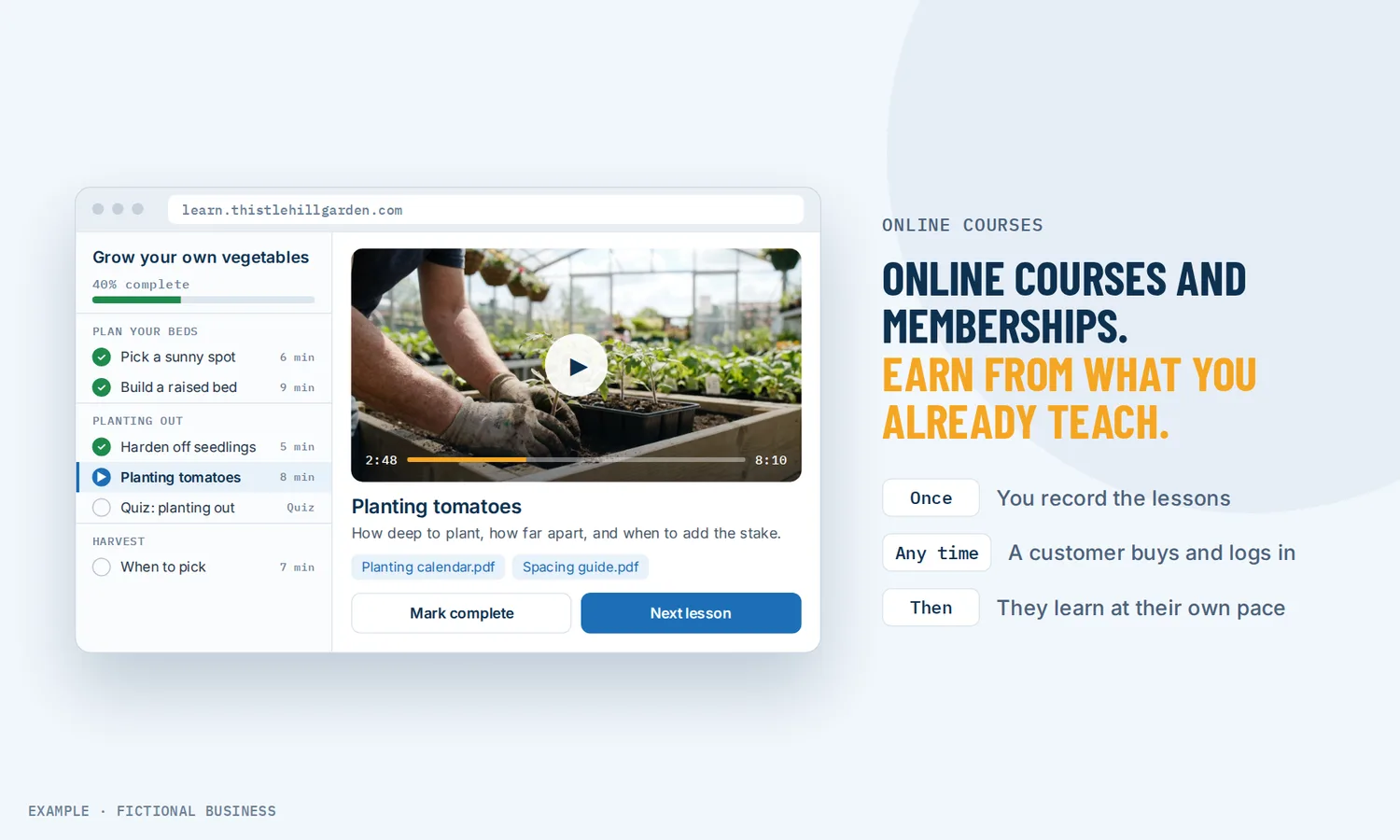
Sell online courses and memberships: earn from what you already teach.
You can sell online courses from your own website by packaging what you already teach customers into lessons people pay to watch on their own time. Revenue Growth HQ hosts video courses with modules, lessons, quizzes and certificates, on your own domain, and sells them free, one-time or by subscription.
Get online payments set up for you
What an online course platform is and how it works
An online course platform holds your lessons, lets students log in to watch them, and takes payment for access. A membership is the same idea sold by subscription: students pay monthly and keep access while they pay.
Here is how it works on the Revenue Growth HQ platform:
- You build the course. In the course editor you add modules, then lessons inside each one. Lessons can be video (up to 5 GB per file, with subtitles), audio, and downloadable files such as PDF worksheets. Drag to reorder.
- You add checks along the way. Quizzes with a passing grade, assignments students upload for you to grade, and a completion certificate.
- You create an offer. An offer is what students buy: free, one-time or recurring. One offer can include one course or several.
- You share the offer link. Put it on your website, in an email, in a text or on social media. Paid offers charge through your own connected payment account.
- Students log in and learn. They sign in to a branded student portal, which can sit on your own domain, and pick up where they left off.
What selling online courses changes for a small business
Income that is not tied to your calendar
A service business earns when someone is in the chair, on the call or on the job. A course earns when someone buys it, whether you are working or not. You record a lesson once and every student who buys it watches the same lesson. Courses do not replace your service, but they give small business owners a second line of income that does not need an hour from you for each sale.
Recurring revenue from a membership
Subscriptions are now normal for buyers. In a Harris Poll survey of 3,087 US adults run for Zuora, a subscription billing company, 68% said they subscribed to a new service for the first time in 2024. In the same release, companies in Zuora's subscription index saw a 25% increase in unique subscribers over two years. A membership with fresh lessons each month turns a one-time buyer into monthly income you can plan around.
Fewer repeat explanations
If customers ask you the same questions after every job, a short course answers them once, properly. A cleaner can teach care between visits, an accountant can teach record-keeping, a trainer can teach form. Customers can get better results, and you spend less time on the phone repeating yourself.
A growing market to sell into
People already learn online. Arizton, a market research firm, valued the global e-learning market at USD 325 billion in 2025 and expects it to reach about USD 665 billion by 2031. That is a market figure, not a promise about your course, but it says buyers are used to paying for lessons on a screen.
How selling online courses plays out
A cleaning or home service business. Let's suppose you run a house cleaning company. You record a free three-lesson course, "Home care between cleans", and give it to every new customer through a workflow that grants access when they are tagged as a new customer. A follow-up email sends their login. When a customer finishes the last lesson, another workflow sends a thank-you and an invitation to book a deep clean.
A fitness or coaching business. Let's suppose you coach clients one to one and have a waiting list. You build a 6-module program with a quiz at the end of each module and sell it for a one-time price. Students who pass every quiz get a completion certificate. Clients who want more sign up to a monthly membership with a new lesson each month, billed through your Stripe account until they cancel.
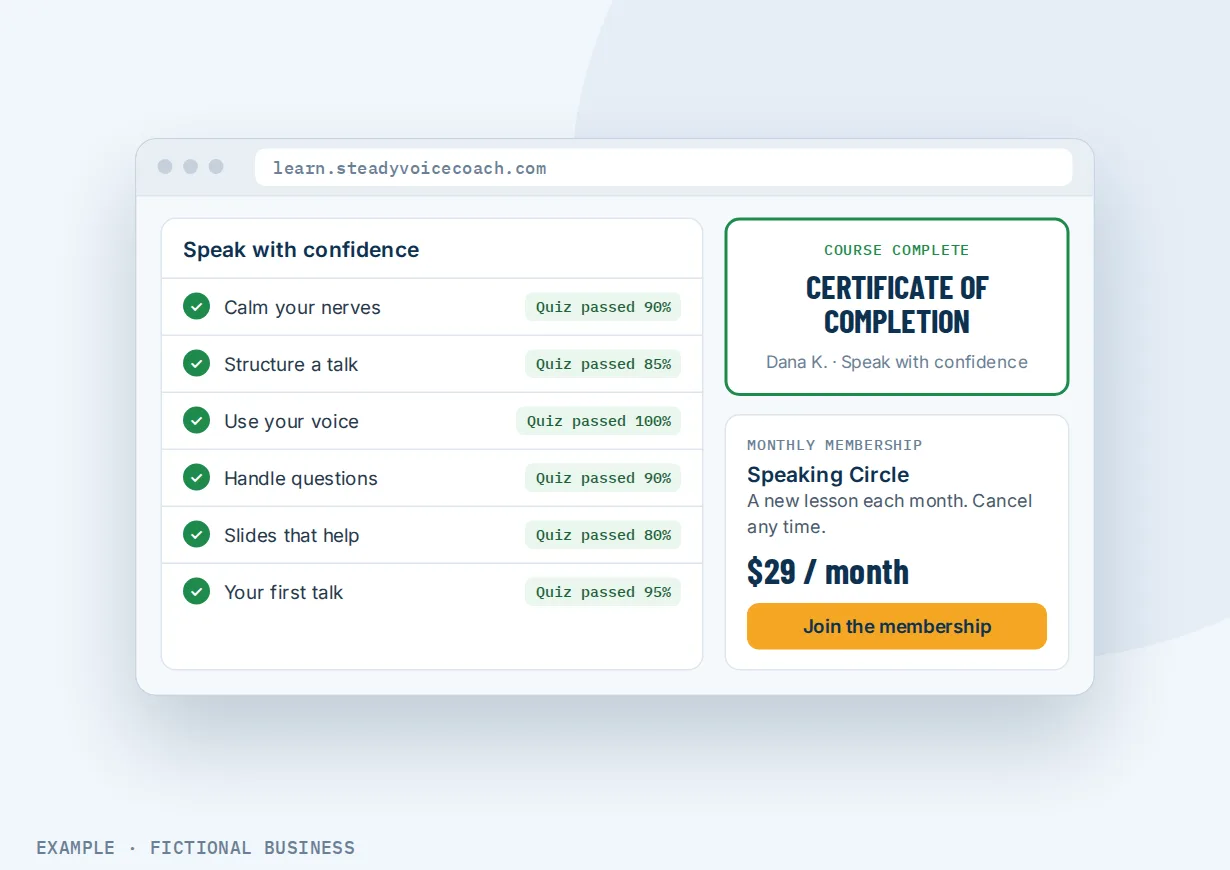
A professional practice. Let's suppose you are a bookkeeper and small business owners keep asking how to keep their records tidy. You sell a short course for a one-time price, with downloadable templates in each lesson and an assignment where students upload a sample month for you to review. Graded results are emailed to the student, and the dashboard shows you how many started and how many finished.
What to look for in an online course platform
Questions to ask before you commit:
- Can you sell it from your own website and domain? Students should see your brand, not someone else's marketplace.
- What lesson types does it take? Video at minimum; audio and downloadable files matter for many courses.
- Can you check learning? Quizzes, assignments and certificates show students they are making progress.
- How can you charge? Free, one-time and subscription, ideally with a trial or setup fee option.
- Which payment processors does it take, and can you keep the account in your own name?
- Is there one login for students, across courses and any member group you run?
- Do students land in your CRM? A buyer should be a contact you can email, tag and follow up with.
- Can course activity start your follow-up? A signup, a finished lesson or a passed quiz should be able to trigger an email or a next offer.
- Can you see who is progressing? Enrollments, completion rates and revenue in one view.
A standalone course app covers the first four well. The further down the list you go, the more it matters that courses live in the same system as your customers, emails and payments.
Online courses work better with email, member groups and automation
A course is a product. What brings people to it, and what happens after they finish, decides how much it earns.
Courses plus workflow automation. Course activity can start a workflow: a new signup, access granted or removed, a lesson or module started or completed, a student login, or a certificate issued. A workflow can also grant access to a course, for example when a contact gets a tag or buys something else. Granting access does not send a login email by itself, so the workflow adds one.
Courses plus email marketing. The people most likely to buy a course are already on your list. Use email campaigns to your customer list to announce a new course, send a free first lesson, or offer a membership to people who finished a one-time course.
Courses plus a member group. Some students want more than lessons: discussion, live sessions and other members. A branded members' group with discussion and live sessions can hold your courses in its own learning area, free or paid, so students find lessons and conversation under the same login.
Online course options: from free to hiring it out
The right choice depends on how many students you expect, whether you want subscriptions, and what else the course should connect to.
Video links and a payment button. Unlisted videos and a payment link cost little or nothing. Students pay, you email them the links. It works for a first test, but there is no login, no progress tracking, and nothing stops a link being shared.
Course marketplaces. Large course marketplaces bring their own buyers. The tradeoff is that the marketplace sets or discounts your price, owns the customer relationship, and takes a share of each sale.
Dedicated course platforms. Standalone course and membership site software gives you a branded school with lessons, quizzes and checkout, for a monthly fee. It sits apart from your customer messages, bookings and CRM, so the student lives in one app and the conversation in another.
All-in-one platforms. Here, courses sit next to your contacts, email, payments and automation. A purchase or a finished lesson can start your follow-up without a connector. The tradeoffs: more to set up, and more features than a business that only sells courses may need.
Hiring someone. A course production agency can script, film and build the course for you. That saves your time but costs far more, and you still need somewhere to host and sell it.
Here's our solution
Revenue Growth HQ is an all-in-one platform with courses and memberships built in, alongside your contacts, email, payments, automation and the rest of the Keep customers tools. The plan is $97 a month (or $970 a year) and includes $30 of usage credit each month for your phone number, calls, texts, email and most AI features. Use beyond $30 in a month is billed by use, at the same rates as buying the software directly. You see these rates before setup starts.
Setup is a one-time $197. You choose 3 setups from our list for us to build in your account, and online payments can be one of them. For that one, we connect your own Stripe account, add your services and prices, and set up invoice and quote templates and pay-by-text links. That gives paid course offers a way to charge; it does not build your course. You build the lessons and offers in the course editor, and they take payment through the account we connected. You'll need your own Stripe account: we connect it, and you own it. Stripe charges its own processing fees. See the setups and choose your 3.
Limits to know
- Paid courses need your own payment account. Free courses work without one; one-time, subscription and installment pricing all need a connected processor, which charges its own fees.
- Granting access sends no login email by itself. Add a welcome email with the login to the workflow.
- Certificates wait for a finished course. A course or module certificate is issued only when every required lesson is done.
- The branded phone app is a paid add-on. It is not part of the $97 plan. Students can use the web portal on your own domain from a phone browser.
Online course features included
- Courses built from modules and lessons, with drag-to-reorder
- Video lessons up to 5 GB per file, with subtitles in several languages
- Audio lessons and downloadable files
- Copy lessons, modules or a whole course into another course
- Quizzes with an optional passing grade and retakes
- Assignments, graded or ungraded, with downloadable templates
- Quiz and assignment emails to students and instructors
- Course and module completion certificates
- Free, one-time and recurring offers, each with one or more courses
- Trials and setup fees on recurring prices
- Branded student portal on your own domain
- One student login for courses, member groups and billing
- Course dashboard: enrollments, completion rate, revenue and a signed-up, started, completed funnel
- Course triggers and a grant-access action in workflows
Frequently asked questions
How do I sell online courses from my own website?
Build the course in the course editor, create an offer for it, and put the offer link on your website as a button. Visitors who click it go to checkout, pay through your connected payment account, and get access to the student portal. You can point the portal at your own domain, so students stay under your brand from the first click to the last lesson.
Can I sell a membership with monthly billing?
Yes. A recurring offer charges students on a schedule, such as monthly, and they keep access to the courses in that offer. You can add a free trial in days or a one-time setup fee to a recurring price. Recurring billing needs a payment processor that supports it, so test a subscription before launch.
Can students pay for a course in installments?
Yes, in effect. There is no separate payment-plan type, but a recurring price can stop after a set number of payments. A course price split into three monthly payments is a recurring price that ends after three charges.
Which payment processors can I use?
Courses can take payments through Stripe, PayPal, Square, Authorize.Net, NMI and Razorpay. Stripe covers cards and phone wallets such as Apple Pay and Google Pay. Bank debit (ACH) is not available for courses, and not every method supports recurring billing. Each processor charges its own fees.
Can I give a course away for free?
Yes. A free offer needs no payment processor at all. You can share the free offer link, or have a workflow grant access automatically, for example when a contact is tagged as a new customer. Free courses are a common way to show what you teach before selling a paid one.
Do students get a phone app?
Students can reach the portal from a phone's web browser, on your own domain. A native iOS and Android app in your own branding is available as a paid add-on. It is not part of the $97 plan.
What does it cost to sell online courses?
Course marketplaces take a share of each sale, and dedicated course platforms charge monthly. On Revenue Growth HQ, courses and memberships are included in the $97-a-month plan, with $30 of usage credit each month; course emails beyond that are billed by use. Your payment processor charges its own fee on paid courses. Setup is a one-time $197, and connecting your Stripe account can be one of your 3 setups.
Get online payments set up for you.
For a one-time $197 setup, we build 3 setups of your choice in your Revenue Growth HQ account, with online payments already ticked. We connect your Stripe account and add your services and prices, so paid course offers can take payment. You build the course itself. You'll need your own Stripe account, and Stripe charges its own fees. The plan is then $97 a month.
Sources
- Zuora. "Zuora Subscription Economy Index" news release, with Harris Poll survey of 3,087 US adults, April 15, 2025. https://www.zuora.com/company/news/zuora-subscription-economy-index/ (checked 2026-10-25)
- Arizton Advisory & Intelligence. "E-Learning Market Size 2025." January 2026. https://www.arizton.com/market-reports/e-learning-market-size-2025 (checked 2026-10-25)